
Best AI Video Captioning Tools Online
Video is the most engaging type of content on the Internet, and in the absence of captions, it can easily lose its accessibility, engagement, and its ability to be visible in search results. The solution to this is AI-powered video captioning tools that automatically transcribe, translate, and style subtitles to various platforms. Regardless of whether you are a content creator, an educator, or a global brand, the appropriate tool can save you several hours of editing and at the same time make your videos more professional and inclusive.
We are going to discuss 10 of the most popular AI caption generators on the market, their characteristics, purposes, costs, and advantages in this article.
| Tool | Key Features | Target Users | Pricing | Advantage Highlight |
|---|---|---|---|---|
| VocalSync | Auto captions, multi-language translation, speaker recognition, AI stickers, B-roll insertion, customizable styles | Content creators, educators, enterprises, marketers | Free: $0/year; Starter: $49.99/year; Professional: $299.99/year; Executive: $2999/year | All-in-one AI workflow combining transcription, translation, multi-speaker recognition, and creative video enhancements for global-scale production. |
| Zeemo.ai | Auto-captioning >98% accuracy, subtitle templates, translation, text-to-video | YouTubers, TikTokers, educators, marketers | Free: $0/month; Pro: $9.99/month; Expert: $14.99/month; Business: $29.99/month | Aesthetic-first captions with rich templates and branding, boosting retention and engagement on social media. |
| Rev.ai | Speech-to-text API, custom vocabulary, human transcription | Enterprises, journalists, legal & healthcare professionals | AI: $0.25/min; Human: $1.99/min; Global subtitles $6.49–$15.99/min | Dual AI + human model ensures high precision for industries requiring absolute accuracy. |
| Otter.ai | Live transcription, speaker ID, searchable transcripts, collaboration | Remote teams, educators, professionals | Basic: Free; Pro: $16.99/month; Business: $30/month; Enterprise: Custom | Real-time transcription and collaboration tools for meetings, webinars, and classrooms. |
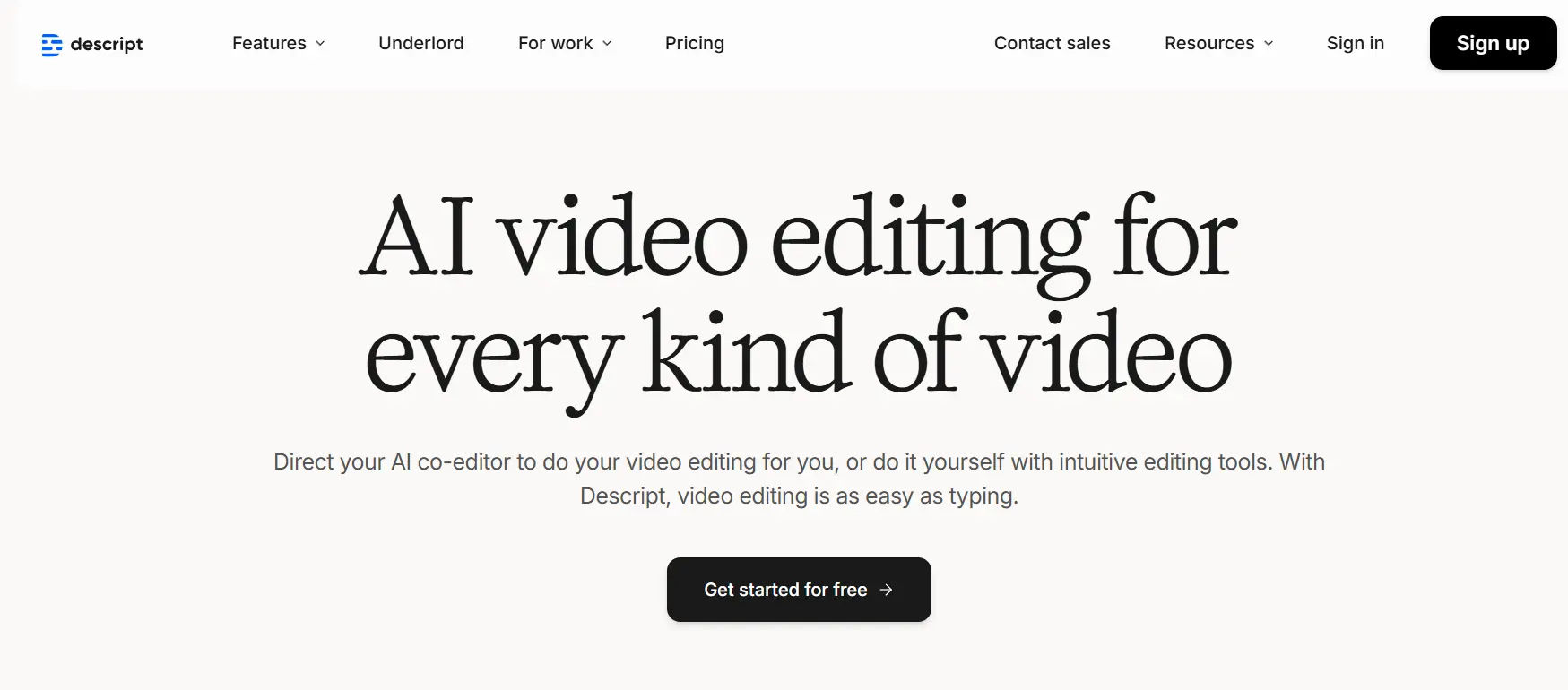
| Descript | Text-based video editing, auto captions, overdub, podcast/screen recording | Podcasters, video editors, educators | Free; Hobbyist: $16/month; Creator: $24/month; Business: $50/month; Enterprise: Custom | Edit videos like text, removing technical barriers and speeding up production workflows. |
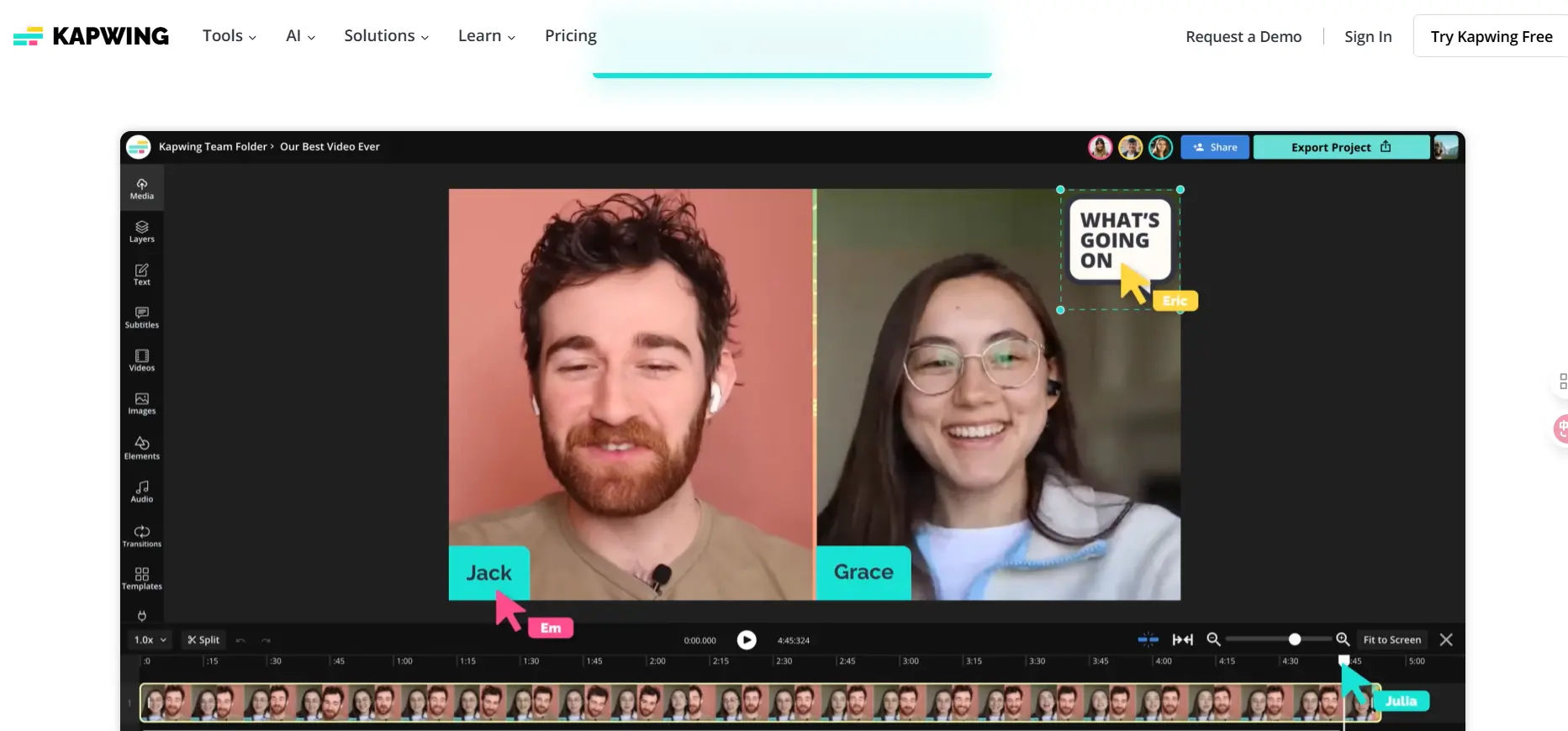
| Kapwing | Auto subtitles, translation, online collaborative editor, templates | Social media creators, marketing teams | Free; Pro: $16/month; Business: $50/month; Enterprise: Custom | Social-first editor for fast, styled, platform-ready videos with collaboration features. |
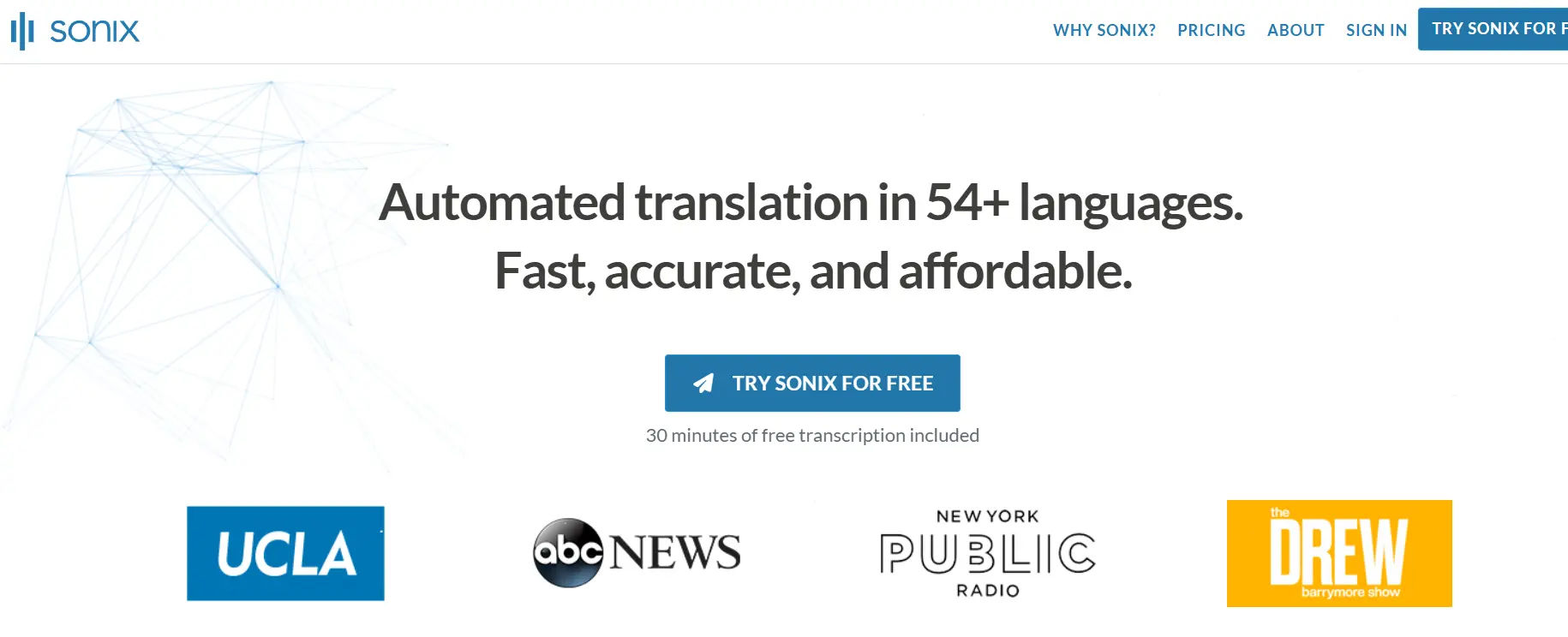
| Sonix.ai | Transcription & translation in 40+ languages, subtitle editor, collaboration | Media teams, podcasters, researchers | Standard: $10/hour; Premium: $22/month; Enterprise: Custom | Professional team collaboration and subtitle management for structured workflows. |
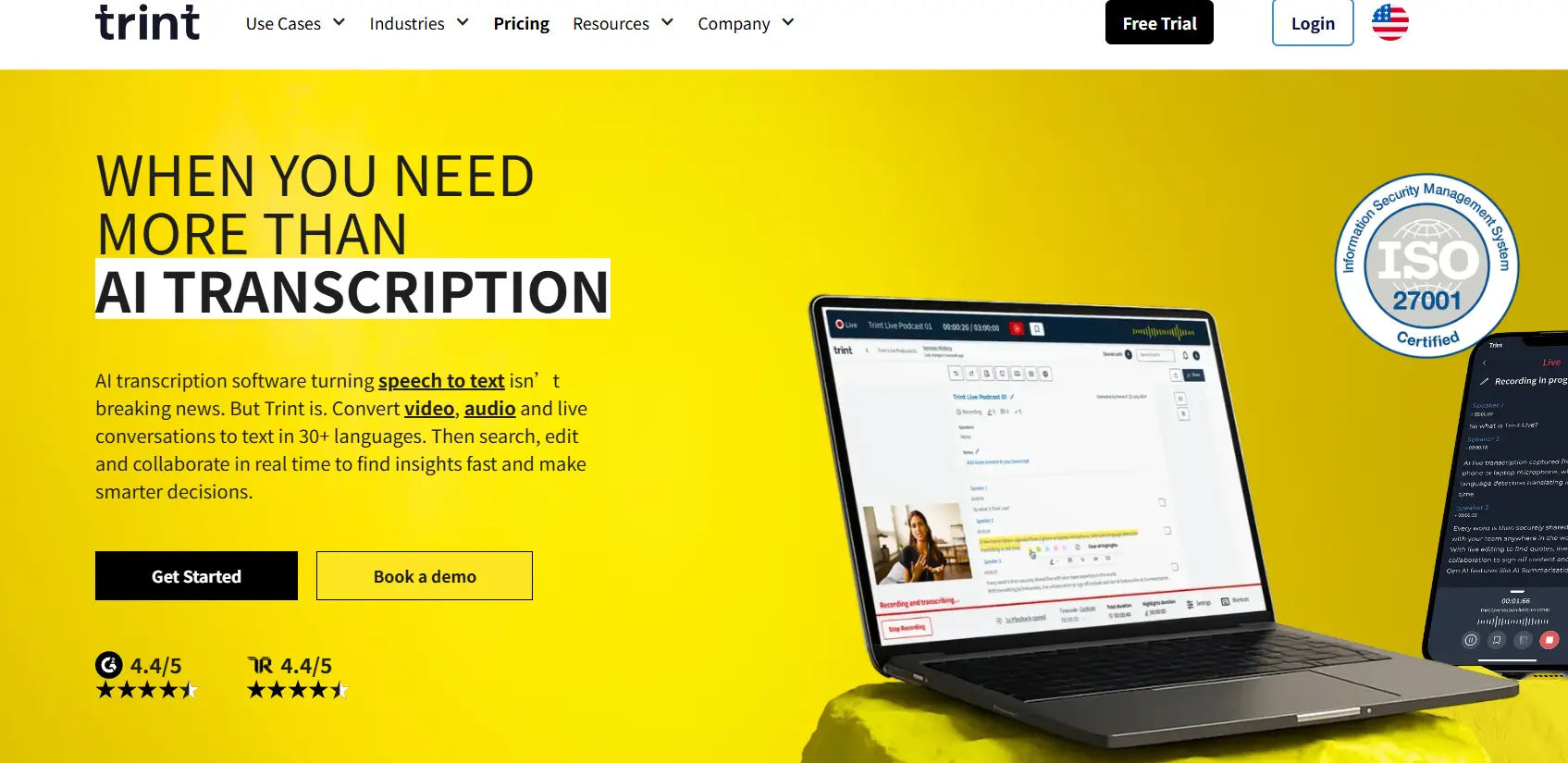
| Trint | Real-time transcription, collaborative editing, Adobe Premiere integration | Journalists, broadcasters, production teams | Free trial; Advanced: £48/month; Enterprise: Custom | Speedy, newsroom-ready transcription with collaborative editing and seamless export to professional editors. |
| Happy Scribe | Auto + human transcription, subtitle generation, 60+ languages | Journalists, educators, researchers | Free; Basic: $17/month; Pro: $29/month; Business: $49/month; Enterprise: Custom | Flexible AI + human hybrid model offering cost-effective, accurate transcription and captions. |
| SubtitleBee | AI auto subtitles, style customization, social media optimization | Social media creators, small businesses | Free: $0/month; Starter: $19/month; Premium: $49/month; Business: $129/month | Polished, dynamic captions designed for social media, maximizing engagement and audience retention. |
1. VocalSync
Core Features:
- AI-powered auto caption generation with multi-language recognition
- Contextual translation into 100+ languages
- Customizable fonts, colors, and placement for captions
- Multi-speaker recognition for interviews, podcasts, and meetings
- One-click export to TikTok, YouTube, Instagram, and more
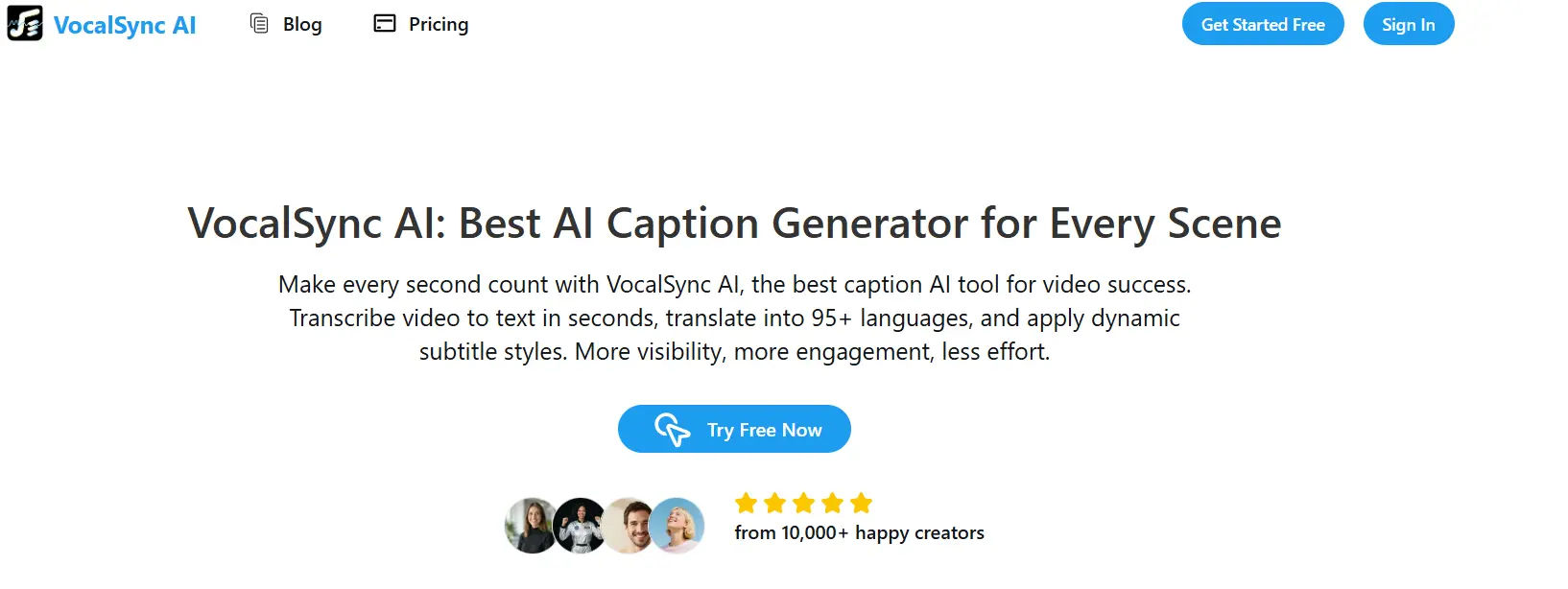
Target Users: Content creators, educators, enterprises, and global marketers
- Free — $0/year, includes 20 image edits and 100 credits.
- Starter — $49.99/year, includes 40 edits per month and 200 credits.
- Professional — $299.99/year, includes 200 edits per month and 1000 credits.
- Executive — $2999/year, unlimited edits and 13,750 credits, with premium features and API access.
Strengths:
The most significant benefit of VocalSync is its single-point AI workflow which extends well beyond captioning. It does not only transcribe and translate in a culturally accurate manner but also recognizes several speakers, adds AI-generated stickers, and goes a step further to offer caption-aware B-roll suggestions to creatively tell a story. This renders it an ideal alternative to creators and businesses that require expanding video creation on an international level without sacrificing style and engagement.
2. Zeemo.ai
Core Features:
- Auto-captioning with >98% accuracy across 95+ languages
- Rich subtitle templates and styling options
- Translation into multiple languages
- “AI Faceless Video” (text-to-video generation)
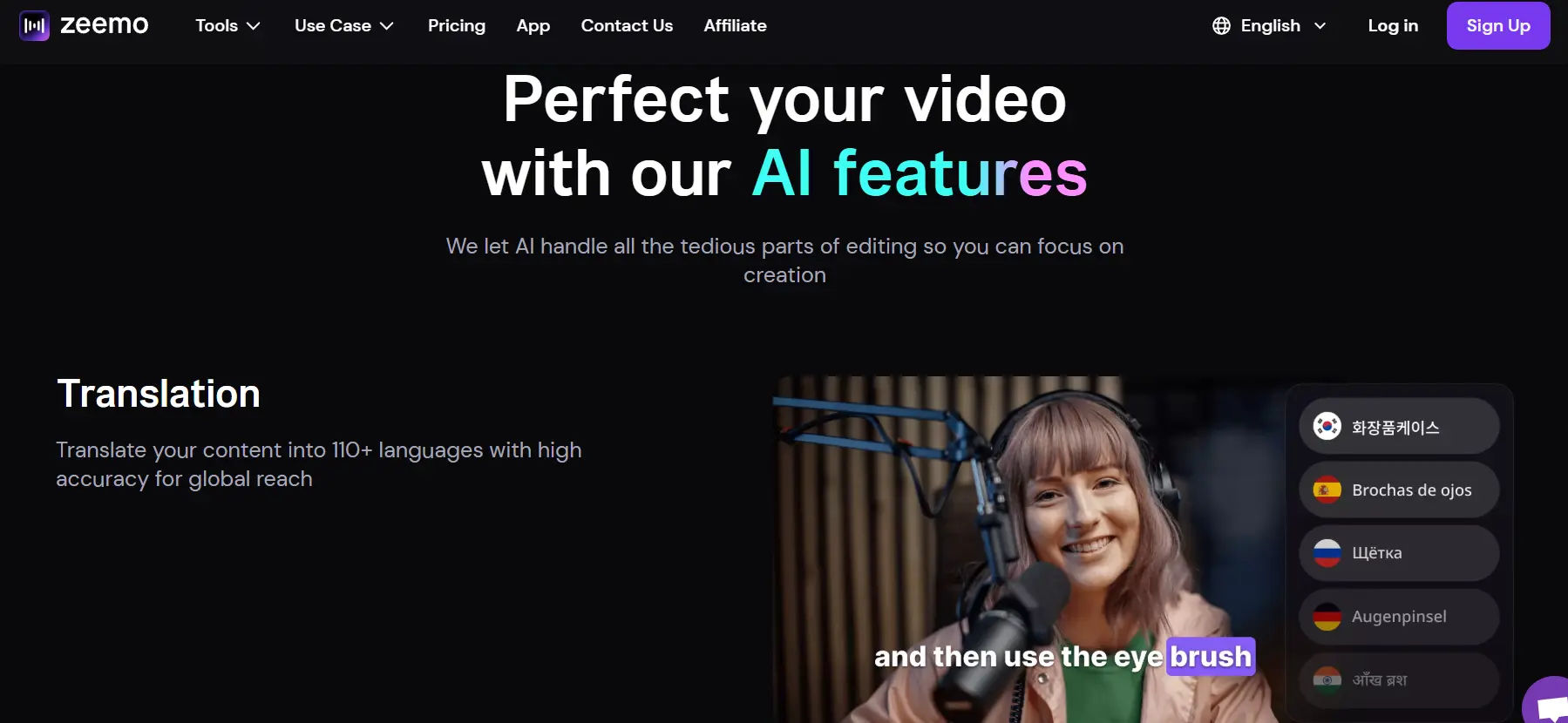
Target Users: YouTubers, TikTokers, educators, marketers
Pricing:
- Free — $0/month, limited features with watermark on exports.
- Pro — $9.99/month, no watermark, up to 50 videos per month, max 3 minutes per video, 1080p export.
- Expert — $14.99/month, supports longer videos (up to 5 hours), subtitle translation, and 4K export.
- Business — $29.99/month, batch uploads, access on up to 10 devices, includes all Expert features.
Strengths:
Zeemo is unique in terms of its aesthetic-based attitude to captions by providing its wide range of templates, dynamic styles and custom branding options. It is not fast to lose accuracy and can be used in multiple languages, but the ability to create a branded and visually appealing capture also makes creators more competitive on social networks where captivating and branded messages can greatly increase the retention of followers.
3. Rev.ai
Core Features:
- Speech-to-text API with real-time transcription
- Custom vocabulary for technical content
- Human transcription services available
Target Users: Enterprises, researchers, journalists
Pricing:
- AI Transcription (Pay-as-you-go) — $0.25 per audio minute
- Human Transcription — $1.99 per audio minute
- AI Captions (English) — $0.25 per video minute
- Human Captions (English) — $1.99 per video minute
- Global Subtitles — $6.49 to $15.99 per video minute depending on language
Strengths:
The key strength of Rev lies in its dual AI + human transcription model, which means the highest level of precision. Although AI can process huge amounts of data in a short period, transcripts are optimized by human editors in industries where accuracy cannot be compromised- in the media, law, and healthcare. That is what makes Rev a reliable partner among those businesses that cannot afford mistakes.
4. Otter.ai
Core Features:
- Live transcription for meetings and webinars
- Speaker identification and search within transcripts
- Collaboration tools for teams
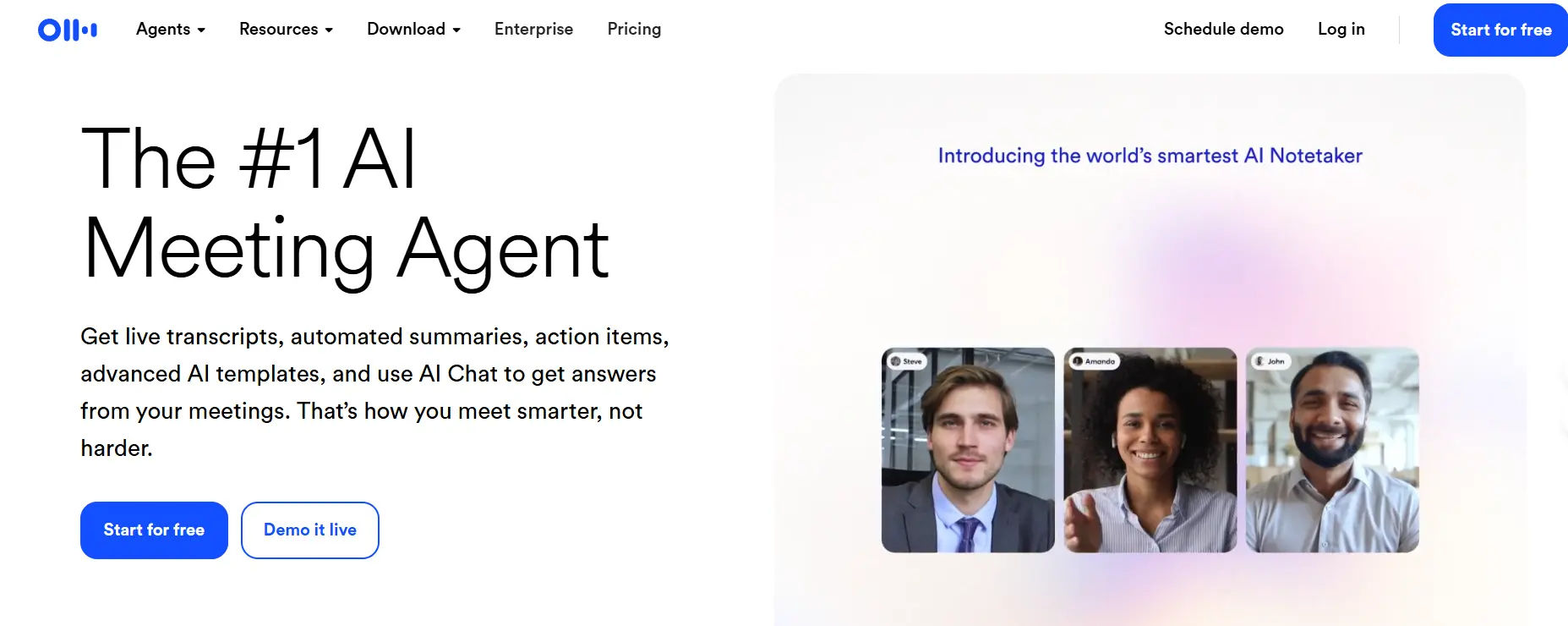
Target Users: Remote teams, educators, professionals
Pricing:
- Basic (Free) — includes 300 transcription minutes per month, 30-minute maximum per conversation, and imports of up to 3 audio/video files.
- Pro — $8.33/month (billed annually) or $16.99/month — offers 1,200 transcription minutes/month, 90-minute max per conversation, 10 file imports, shared vocabulary and speaker tagging.
- Business — $20/user/month (billed annually) or $30/month — provides 6,000 transcription minutes/month, 4-hour max per session, unlimited imports, admin features and team collaboration.
- Enterprise — custom pricing — includes all Business features plus SSO, domain control, advanced security and organization-wide deployment.
Strengths:
Otter.ai is a competent presence in real-time interaction and can be applied invaluably to meetings, webinars, classes. It is being used to increase productivity by remote working teams and teachers with live transcription, labeling of speakers, and searchable transcripts. It is also completely essential to business communication workflows due to its integration with other tools, such as Zoom and Teams.
5. Descript
Core Features:
- Text-based video editing (edit video by editing transcript)
- Auto-captioning and overdub features
- Screen recording and podcasting tools
Target Users: Podcasters, video editors, educators
Pricing:
- Free — $0/year, includes 1 media hour/month, basic transcription, and watermark-export at 720p
- Hobbyist — $16/month (billed annually), includes 10 media hours, 400 AI credits, 1080p export, and access to basic AI tools
- Creator — $24/month (billed annually), includes 30 media hours, 800 AI credits, 4K export, full access to AI suite and stock media
- Business — $50/month (billed annually), includes 40 media hours, 1,500 AI credits, team features, translation/dubbing, priority support
- Enterprise — Custom pricing, offering tailored solutions, SSO, dedicated support, security & large-scale collaboration features
Strengths:
Descript changes video editing by its text-based editing interface, which allows one to cut, drag and manipulate videos as simply as one can with a Word document. This breaks the obstacle of conventional editing prowess and also it accelerates the pace of production particularly to the podcasters and educators who value efficiency over sophisticated post-production.
6. Kapwing
Core Features:
- Automatic subtitles and translation
- Online collaborative video editor
- Meme, short-form, and social content templates
Target Users: Social media creators, marketing teams
Pricing:
- Free — $0/month: unlimited exports with watermark, videos up to 4 minutes, 10 minutes of auto-subtitling per month, 720p resolution.
- Pro — $16/month (billed annually): no watermark, videos up to 120 minutes, 300 minutes of auto-subtitling and translation, 4K export, 500 AI credits, brand kit & more.
- Business — $50/month (billed annually): all Pro features plus 900 minutes of auto-subtitling/translation, 2,000 AI credits, lip-sync generation, voice cloning, team workspace features.
- Enterprise — custom pricing: includes features above plus tailored subtitling/translation quotas, advanced AI usage, enterprise controls, SSO, dedicated support, and training.
Strengths:
Kapwing is a social media-first editing tool, which can include auto-captioning and meme templates, subtitle styling, and collaborative tools. It allows creators to effortlessly create ready-to-post content on TikTok, Instagram, and YouTube Shorts, which makes it one of the most user-friendly choices of fast-paced digital marketing.
7. Sonix.ai
Core Features:
- Automated transcription and translation in 40+ languages
- Built-in subtitle editor
- Multi-user collaboration features
Target Users: Media teams, podcasters, researchers
Pricing:
- Standard — $10 per audio hour, pay-as-you-go transcription.
- Premium — $22/month or $198/year per user, includes collaboration tools and 36 hours/year.
- Enterprise — Custom pricing, includes all Premium features plus dedicated support and advanced security.
Strengths:
The advantage of Sonix is that it has a professional team collaboration functionality, such as shared workspaces, permissions to edit and elaborate subtitles. Relied upon by media and researchers, Sonix transforms transcription and captioning into a formal element of the content process as opposed to being an add-on to the post-production process.
8. Trint
Core Features:
- Real-time transcription and collaborative editing
- Subtitling and closed caption export
- Integrations with Adobe Premiere Pro
Target Users: Journalists, broadcasters, production teams
Pricing:
- Free Trial — 7-day access to the Advanced plan; includes transcription of up to 3 files (first 5 minutes each), collaboration tools, and translation features.
- Advanced — £48/month per seat; unlimited transcription of audio and video files up to 3 hours in length, collaboration tools, and translation features.
- Enterprise — Custom pricing; includes all features of the Advanced plan plus additional customization options, dedicated support, and API access.
Strengths:
The advantage of Trint is the speed of editing and integration of the newsroom. It enables several users to jointly work on captions, underscoring quotes and also export them straight to professional video editors such as Premiere Pro. This finds it especially handy with journalists and broadcasters who have to be accurate and quick with deadlines.
9. Happy Scribe
Core Features:
- Auto transcription and subtitle generation
- Human proofreading option
- Supports 60+ languages
Target Users: Journalists, educators, researchers
Pricing:
- Free — $0/year, includes limited AI transcription, subtitling, and translation services.
- Basic — $17/month, includes 120 minutes/month of AI transcription, subtitling, and translation.
- Pro — $29/month, includes 300 minutes/month of AI transcription, subtitling, and translation.
- Business — $49/month, includes 600 minutes/month of AI transcription, subtitling, and translation.
- Enterprise — Custom pricing, includes 6,000 minutes/month of AI transcription, subtitling, and translation.
Strengths:
Happy Scribe has a reputation of being flexible in its AI + human model within affordable rates. It is available in the choice of quick automated captions or professional proofreading, which is appropriate to both independent creators and institutions. It is very appealing in terms of its cost-effectiveness and a balance between speed and accuracy.
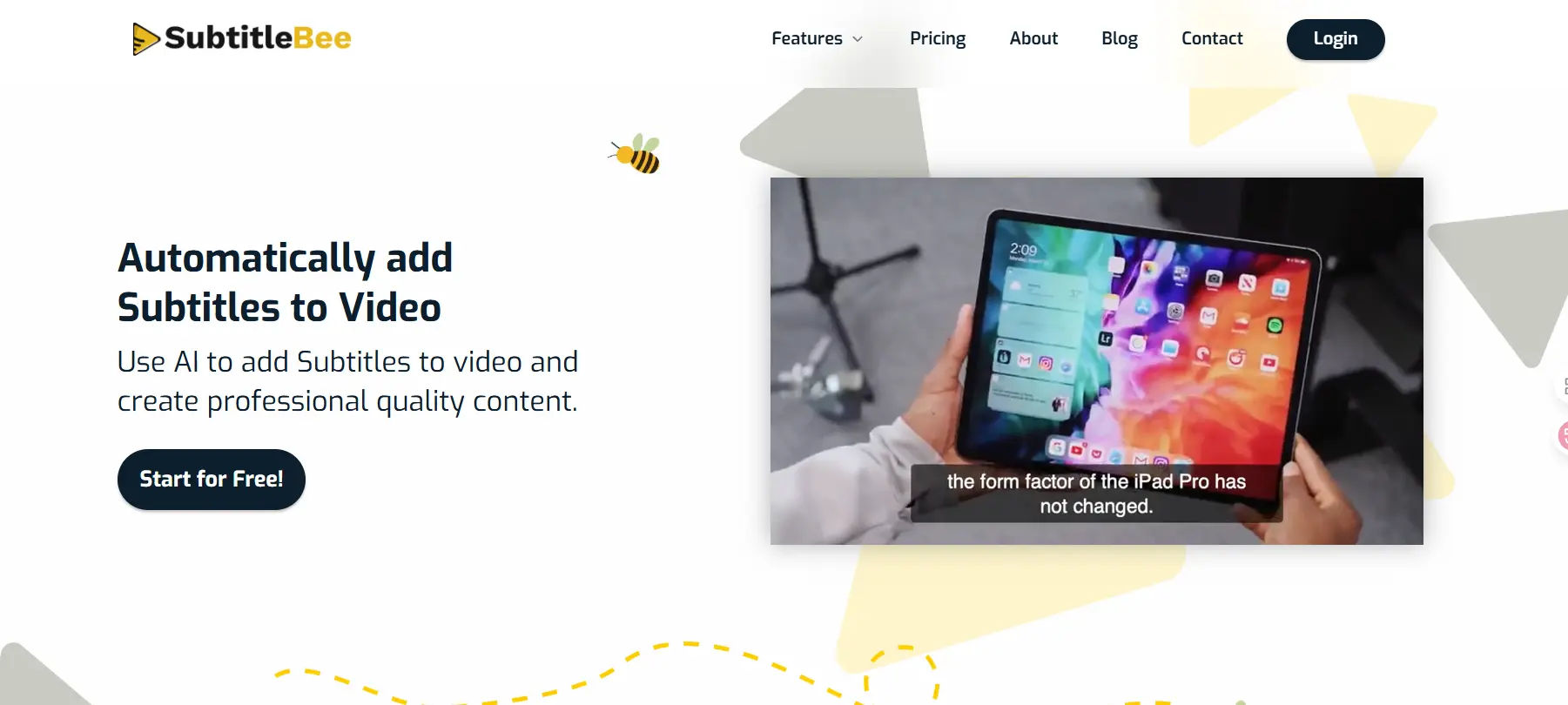
10. SubtitleBee
Core Features:
- AI-powered auto subtitles with style customization
- One-click social media optimization
- Supports multiple export formats
Target Users: Social media creators, small businesses
Pricing:
- Free — $0/month, includes 10 minutes of video processing and basic features.
- Starter — $19/month, includes 240 minutes of video processing and additional customization options.
- Premium — $49/month, includes 1,050 minutes of video processing and advanced features.
- Business — $129/month, includes unlimited video processing and enterprise-level features.
Strengths:
SubtitleBee is dedicated to polished and dynamic captions, so the subtitles are offered in automated formats, with customizable style and animation. It was created keeping social media in mind allowing creators to make the videos visually pleasant without compromising on accessibility, which is vital in maximizing the interaction and retention of the audience.
How to Choose the Right AI Captioning Tool
When selecting an AI captioning tool, consider three key factors:
- Accuracy & Languages: If you’re targeting a global audience, prioritize tools like VocalSync, Zeemo, or Rev that offer multi-language support and contextual translation.
- Customization & Branding: For social creators and marketers, choose platforms with flexible styling (Zeemo, SubtitleBee, Kapwing).
- Workflow Integration: Professional teams may prefer Descript, Trint, or Sonix for their editing and collaboration features.
Ultimately, the best tool depends on whether you value speed, aesthetics, translation, or collaboration the most.
Conclusion
Artificial intelligence video captioning technologies are revolutionizing the way makers, teachers, and companies make their work readable, entertaining, and world-accessible. The market can provide a broad range of solutions, starting with the simple auto-captioning and moving up to the sophisticated translation, stylistic and editing capabilities. VocalSync appears to be an all-encompassing platform, incorporating accuracy, creativity, and scalability, and it is a fantastic option to individuals, who would like to do not stop at captions and adopt a complete AI-driven video workflow.
Whether it is a one-person project or a big company, the proper captioning tool will save time, increase the interest, and make sure to reach a global audience with your videos.